How to Become a CAD Drafter

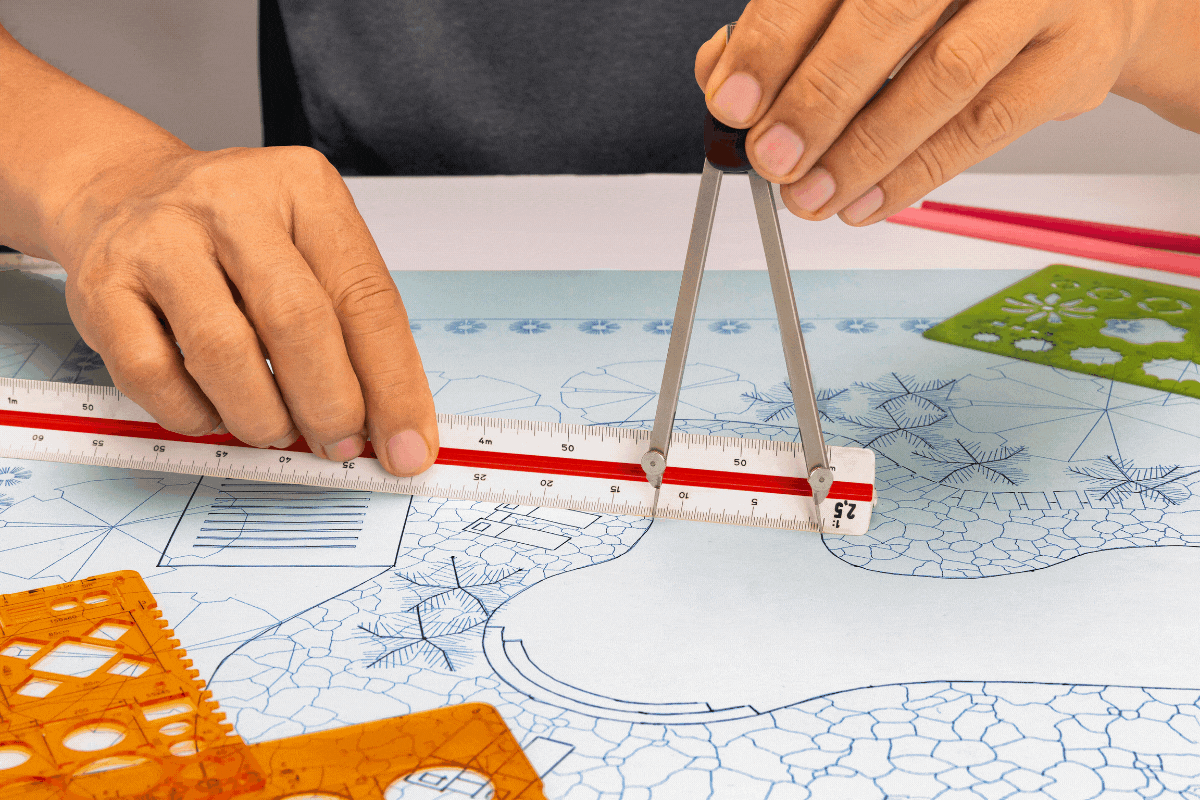
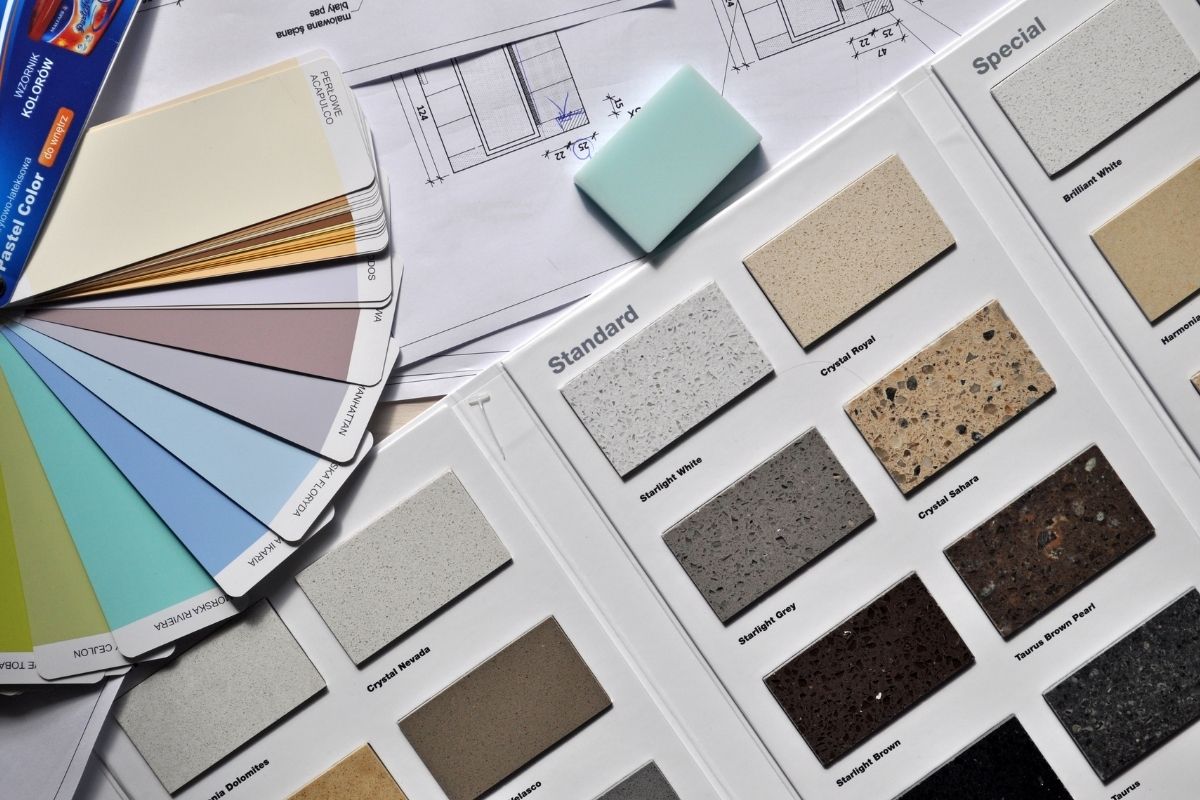
A CAD drafter creates and prepares detailed working plans and scale drawings for complete projects from conceptual designs by engineers, architects and surveyors.
A CAD drafter creates and prepares detailed working plans and scale drawings for complete projects from conceptual designs by engineers, architects and surveyors.
What to consider when deciding which design career is right for you
What you need to know before selecting a hosting platform for your burgeoning business.
A look back at some of the student projects that stood out this year
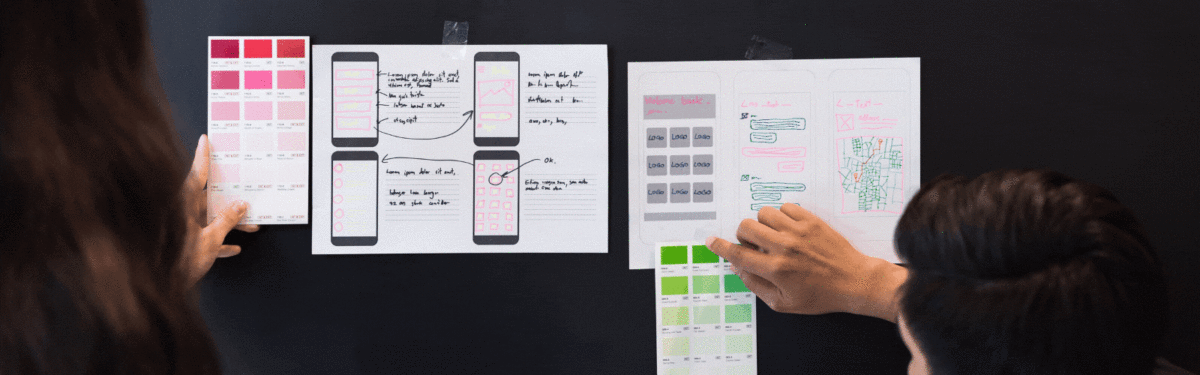
In the next stage, you add a little bit of dynamics to your prototype to figure out what is the best way to create this conversation. You start by looking at different elements, including animation, colors and images. By adding dynamics, you can also start to go to the specific person that you’re designing for to seek more input. After all, at that stage, you want to have a very specific scenario in mind as well.
UX Design Prototype Feedback
When you go to a person and you design a system, such as a map for a person who wants to go from Point A to Point B, the user flow that you create should have a very specific scenario so that you can have a person try out your system or the prototype. For example, they might try out one that has colors, one that has animation or one that is dynamic in other ways. The user can actually try to use that system to help them go from Point A to Point B.
If they’re successful, your prototype is successful. If they’re not successful, and more often than not they won’t succeed with your UI in the first few stages of the prototype’s design, you have to ask yourself: Where did they come across a UX problem? Did they fail when they tried to press a button because they interpreted the button as text and not as a button? Did they fail because they interpreted the image as something that conveyed too much information and looked more like text? Did they fail to enter the information into a text box because the text box was just too small?
These are the things that you can identify in your UI design with a digital, high-fidelity prototype. When you allow this type of interaction with one or more users, the results convey to you the exact areas in which your prototype is failing. You then have to decide how best to reverse course and quickly refine the prototype so that you can try again to see if a user can accomplish that task.
As you’re learning through your online UX design education studies, a prototype gives you the ability to do something that you don’t have to fall in love with and can even throw away. A prototype allows you to more successfully get to the goal of designing a simple pleasurable application.
“An agile workflow is all about iteration and moving quickly”, Camara explains. The best way to go about agility when working on a UI assignment is to implement design sprints. Design sprints are typically two-week spans in which you are to complete as much as possible before moving on to the next sprint. Waterfall, however, is a process that’s based more on phases. So, when carrying out this process, you would then be working through your project by completing each phase at a particular time. Also, there is no specific timeframe for each phase, but as you get through them, you would essentially be making your way through the finish line as well.
Ultimately, agile development refers to the division of labor, the division of milestones, and the kind of path that is taken from A to Z. You can learn about this entire process in detail through online UX design education.
Why an Agile Workflow Is so Beneficial Nowadays
The old-school way of doing it called for designers to take six months, a year, or even three years before having something new to show. And though we can keep that as an ultimate goal, agility proves to us that by conquering smaller milestones on a regular basis, you will always have something fresh to show. In fact, your software might not even be finished, but you can still present some of its workings rather than leaving the engine open until all of the parts are ready. As you develop your UI design, you can say, “Hey, this part of the engine is that”, or “This part of the engine is already done”, allowing your productivity to be known as you work towards the completion of your UX design.
Working little by little will help you to paint the perfect picture or narrative because your creation will be constantly testing itself against the people who will soon be using it.
So, the idea of having something to show, whether it’s your funders, your current group of test users, your classmates, or even an active research group, gives you the unique advantage of receiving consistent input so that you will have a better idea as to which path you’re taking and what it’s meant to do. That kind of invaluable UX feedback will help you stay on track and put you on a greater level of success.
UX Designs Essentials expert, Jo Gulliver, on design language, a communicative tool that helps designers create visually coherent designs.
My name is Tiago Valente, and I’m a creative director, strategist, designer and professor at Parsons The New School.
In this rapidly evolving and lucrative industry, employers from a variety of fields are looking for creative thinkers and innovators who can create new types of UI design. It is our goal to give you all the skills necessary to create compelling projects that will enhance your UI and UX design portfolio.
We’ll walk you through the crucial stages that will enable you to create compelling experiences and engaging interfaces. You will understand exactly what UX is about and what UI is about. What is the difference? What are the complements? What’s the background? Why do we behave in the way that we behave?
You will learn to look at your environment in much more detail using observation and many other skills. You’ll learn some of these skills in your online UX design education, but you’ll realize that you already have many of them.
We’ll guide you through all the stages that lead to a successful user experience journey while leading you to build your very own portfolio.